
Play Now
Join a Game
Characters
Shop
Tools
Compendium
Community

Sign In

Play Now
Join a Game
Characters
Shop
Tools
Compendium
Community
Sign In
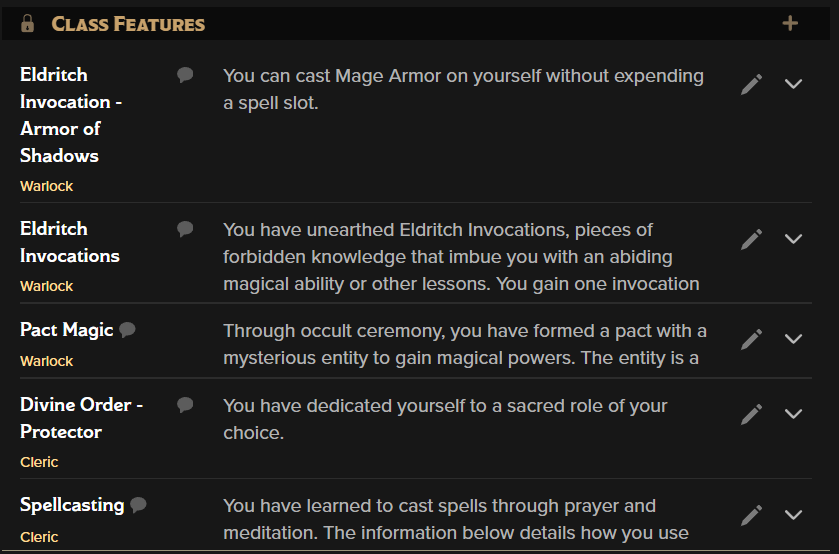
Every class has a group of features, some that are shared with other classes, but some that are unique to that class, like a rogue's Sneak Attack. This is where you'll find the rules text of any features granted by your class.
Any of these features that have automations associated with them will be automatically populated in other parts of the sheet, but this is where you would go to reference the source of those abilities. If you wonder why Mage Armor is Always Prepared, you can look here to see that you chose it as one of your Eldritch Invocations from your Warlock class. The class the feature is associated with is tagged underneath the name so that multi-class characters can better understand their characters.
Some of these features can get quite wordy, so there is an expand/collapse button that allows you to see the entire text of the feature, then hide it again.
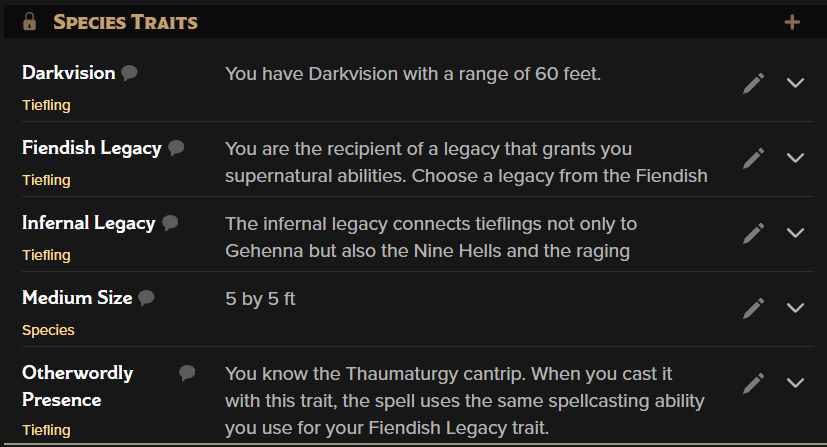
Species traits are much like Class Features, except they are granted by your choice of Species. It will also include any options you chose during character creation such as Legacy, Heritage, or subrace if you're using 5e rules.
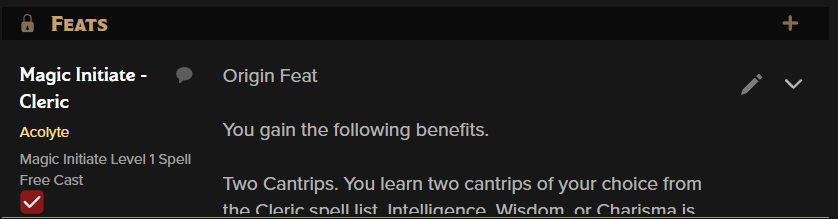
When you add feats to your sheet, whether through the builder or drag and drop, they'll appear here.
You can also see resource checkboxes in this example, which work the same way as resources on other tabs. They all sync with each other, so clicking a box on one tab will also change the total on the others. Resources can appear on features in any section of this tab.
Any other features that are added to your sheet will be collected here.
Back to the main navigation!